Can you learn Avid without paying for it?
For most of my career, the answer was no. You learned Avid in a cutting room, on somebody else's licence.
That's changed. In September, Avid released Media Composer 2026.8. It's a point update, the kind that usually brings bug fixes and a few new buttons. But tucked inside it, Avid removed most of the limits on its free version, Media Composer First. I'll call it Avid First.
I wanted to know how much had really changed.
The industry standard
Bill Warner founded Avid in 1987. He wanted editing to work like a word processor: cut, move, change your mind, and never touch a razor blade. The first Media Composer shipped in 1989 on a Macintosh II.
Within a decade it had a technical Emmy and an Academy Award of its own. Walter Murch cut The English Patient on one and won the editing Oscar, the first digitally edited film to do it. Avid bought Pro Tools along the way, which is why the edit and the dub still talk to each other so well.
I've spent more than 25 years on Avid, cutting for the BBC, Netflix and Disney+. It's what I learned on.
The free version that wasn't
Avid First arrived in 2017, a free version for new editors.
I tried it. Four video tracks, eight audio tracks, five bins. No way to send your audio to the dub. Projects that couldn't move up to the full version.
It taught you where the buttons were. It couldn't teach you the job.
What changed
So when 2026.8 landed, I opened Avid First again and tried to break it.
Ten audio tracks, past the old limit, and it kept going. The paid versions stop at 99 tracks anyway, and I've never met anyone who needs 99. The full effect palette is there: titles, keys, Timewarp, colour presets. Bins, trim and the keyboard are the real thing.
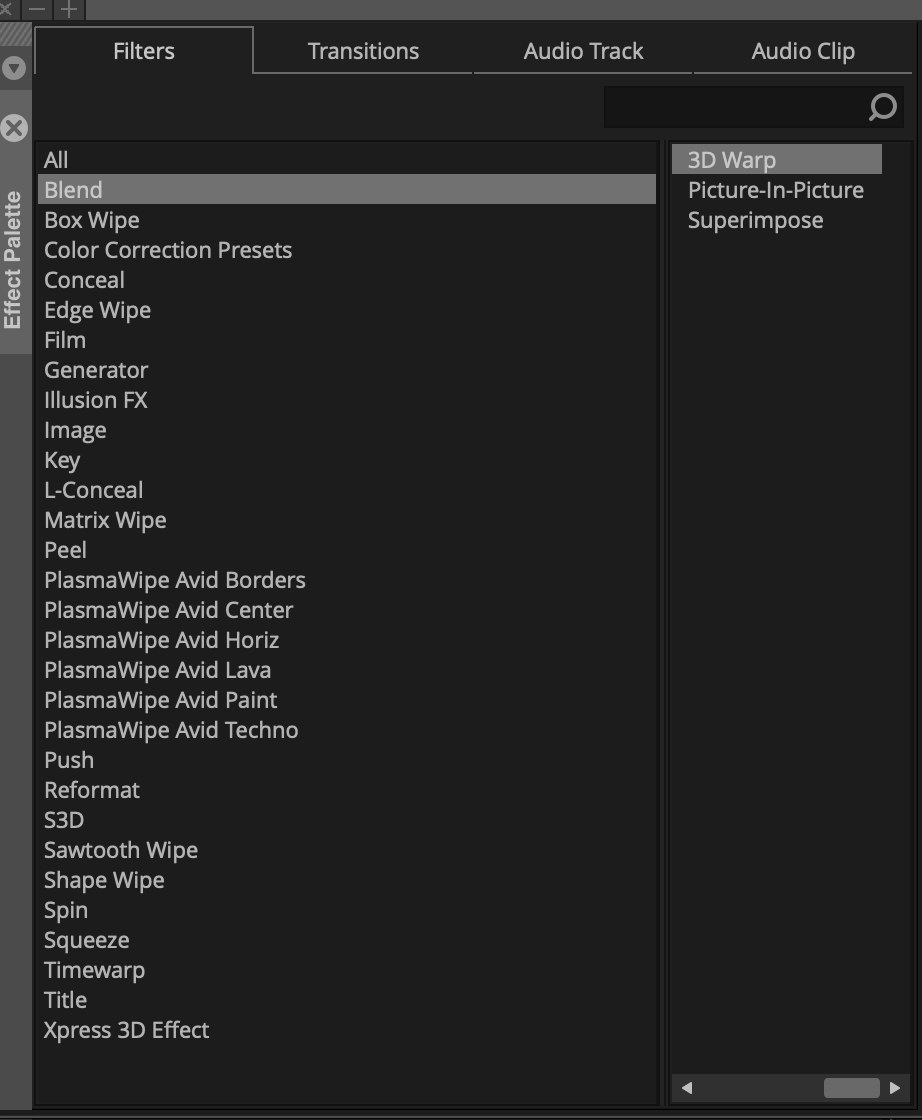
It looks and feels like Media Composer, because it is.
Where the padlocks are
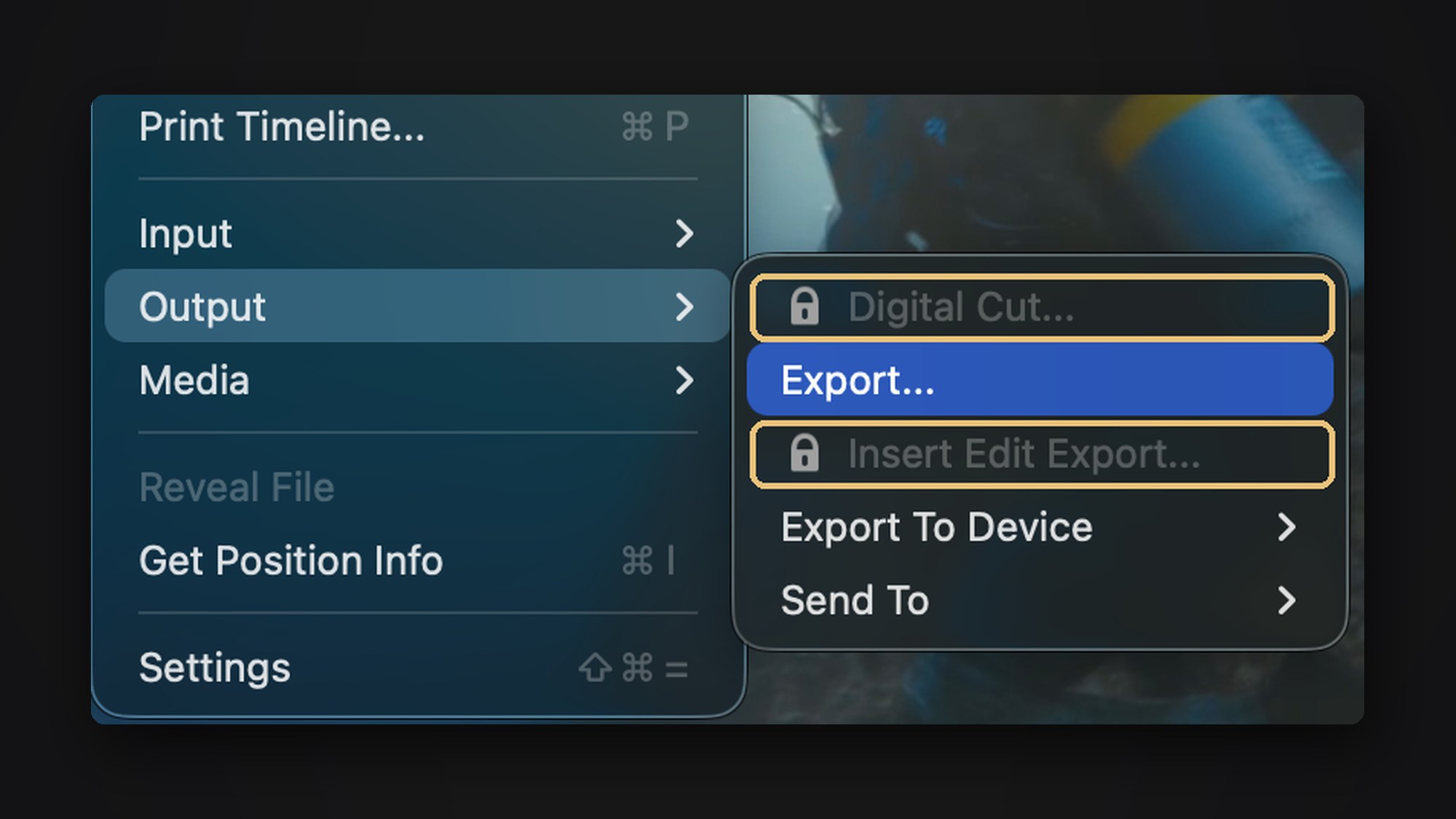
Avid still keeps a few doors shut, and it's honest about it. Locked features get a small padlock in the menu, or a polite box offering an upgrade.
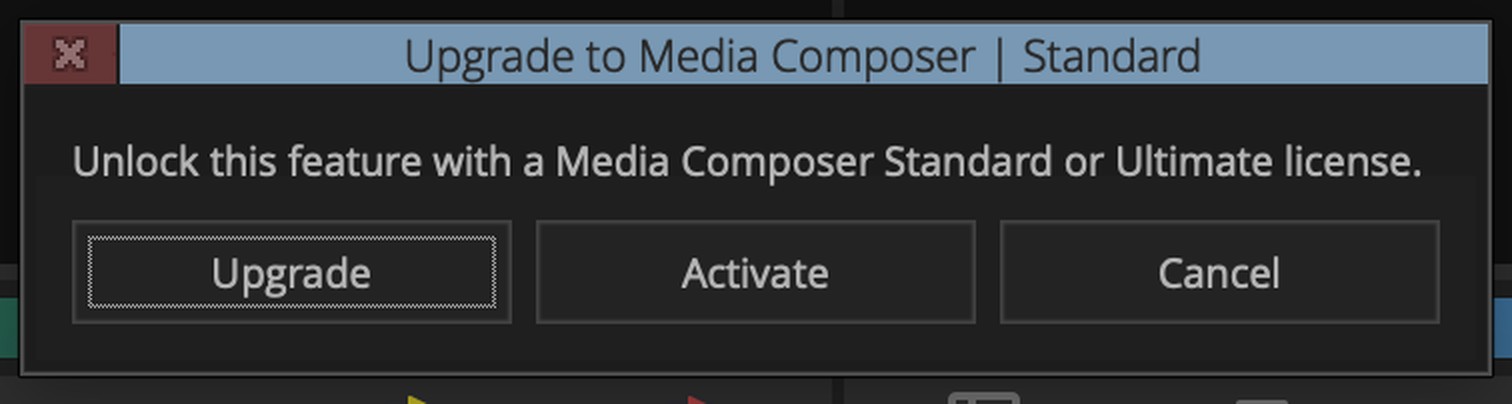
Tape and broadcast output are locked. So is AAF, the file that hands your edit to the dub or the grade. So are ScriptSync and PhraseFind, the transcript tools most documentary cutting rooms lean on, and shared bins for working as a team.
If you want those, Standard starts at £229 a year in the UK. The pricing page offers to save you "$220", in dollars, right above a price in pounds. Even Avid's web team cuts in a hurry sometimes.
The bin still travels
But here's what Avid left open. You can still save your bins, the .avb files, and email them.
A bin carries your sequences, your sync pulls and your assemblies. So you can do a full offline cut in Avid First, with all the tracks you want, send the .avb to a post house, and it's 99% of the way there.
That's useful well beyond editors. A director can do the sync pulls and a first assembly, and hand the whole lot over in a file small enough to email.
The basic tool
Here's the thing about the colour tool in Avid First. It's basic, and it's the one I've used on Avid my whole career.
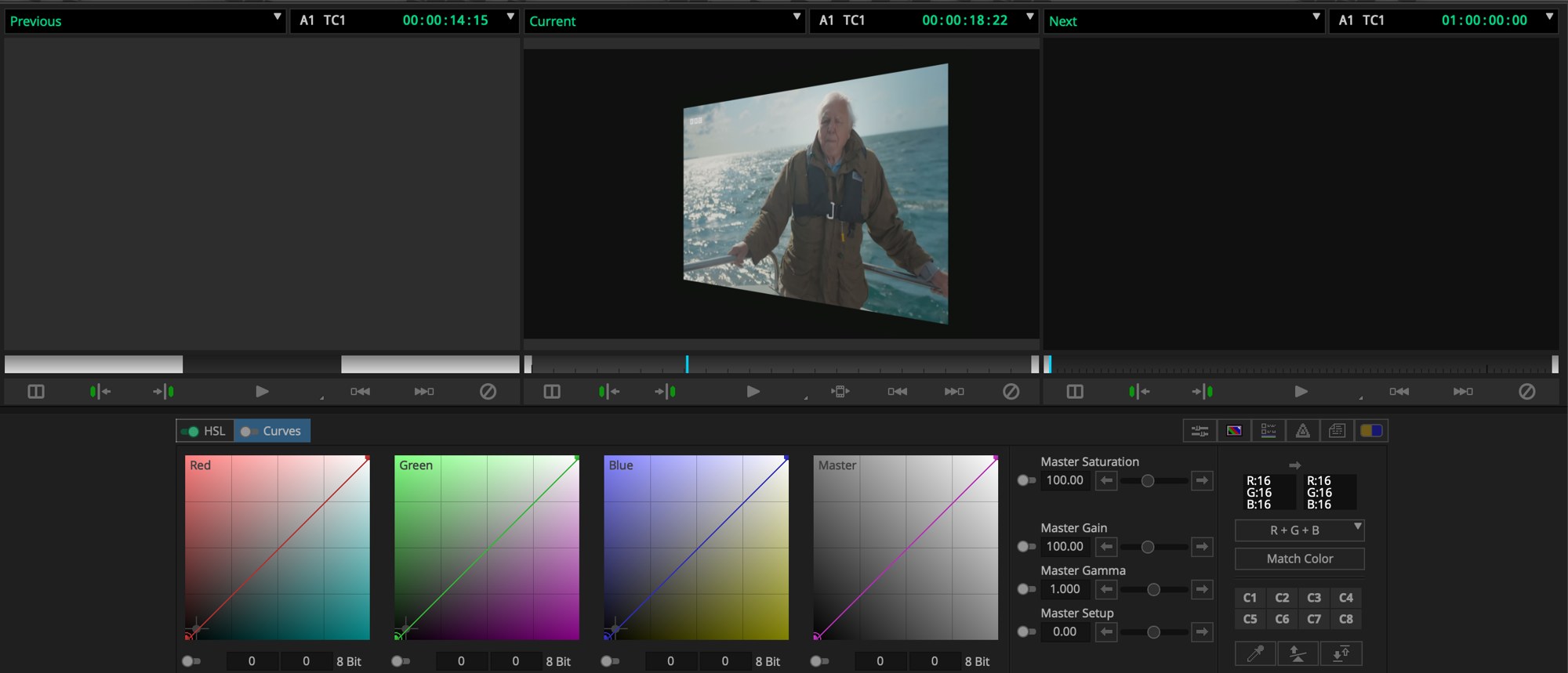
I'm an offline editor. My job is to get the edit right, then hand it on to the finishing team, who make everything look like a million bucks. But basic covers a lot. It'll get a cut looking good enough for a commissioner viewing. I've used it on content that's gone out on YouTube. And on Chelsea Flower Show for the BBC, the VTs were all graded as well as we could, with this same Avid tool. Those went out on TV.
The tool was never the limit. Knowing how to use it was.
Will I cut on it?
Probably, now and then. But here's the confession.
I'm fast on Avid. I don't think when I'm cutting on it. It's muscle memory, like driving a car. So the test I really wanted to run was this: cut quickly in Avid First, fling the edit over as an AAF, and finish it in DaVinci Resolve, which has been free and complete for years.
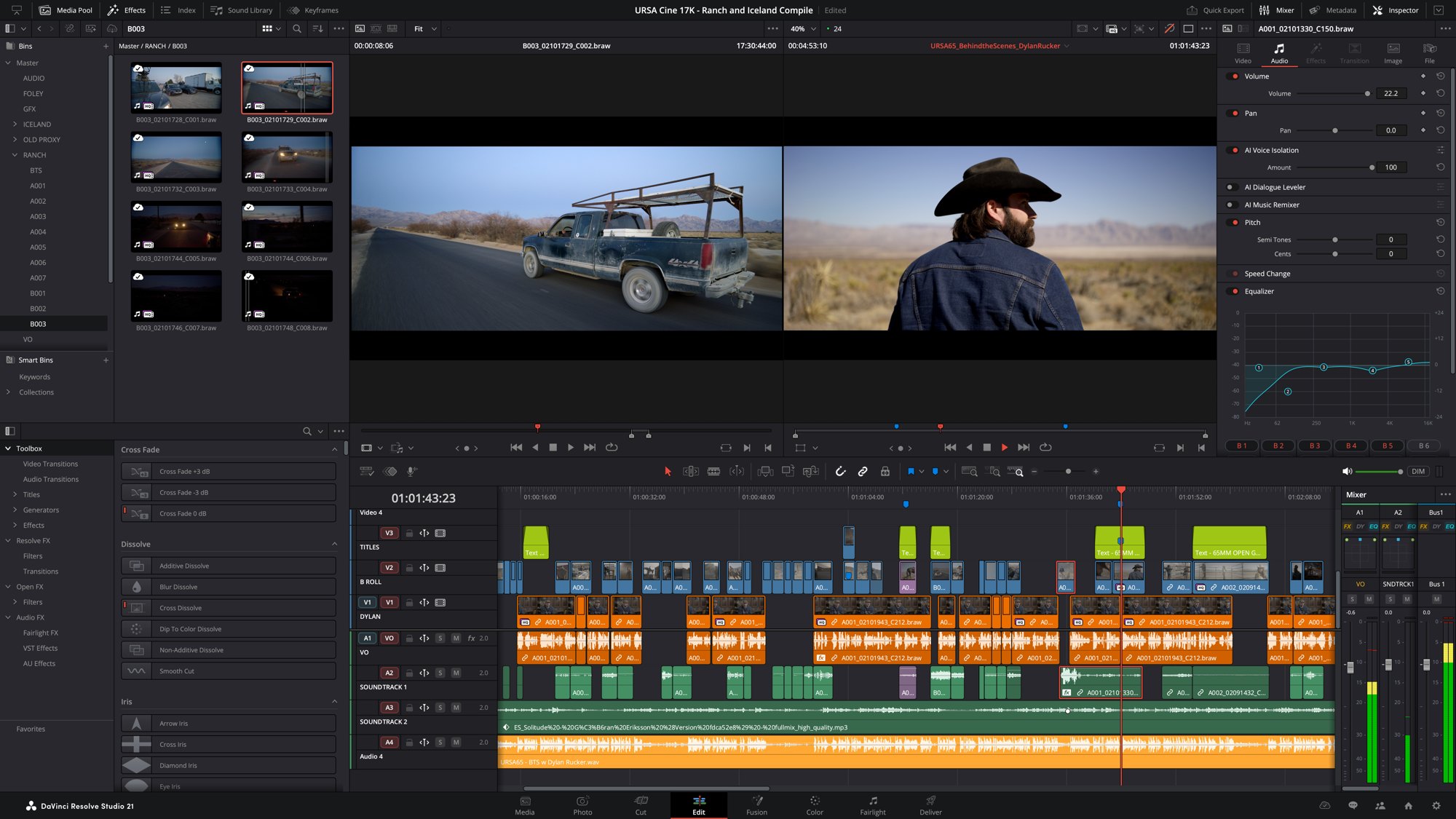
AAF is locked, so that's not an option. I suspect that's exactly why.
It matters less than it would have. I'm getting just as quick on Resolve now. Premiere is in the mix too, but that's another story.
So is Avid First the full Avid? No. Does it do far more than it did? Yes.
Who it's for
If your goal is broadcast, as an editor, an assistant, or a producer director who wants their editor on side, Avid is still what you'll sit down at in a broadcast cutting room.
Now you can arrive ready. Cut a few YouTube videos on it. Learn how the bins work and how the media folders are structured. Learn a sync pull, timecode and a clean timeline. Be useful on day one.
You couldn't do that for free before. That's exciting, even if your reason for learning it looks nothing like mine.
So, can you learn Avid for free now?
Yes. Almost all of it. The parts you can't learn for free are the parts you'll learn on the job anyway.
Read more: What's new in Media Composer 2026.8 · ProVideo Coalition on 2026.8 · Avid First
Keep going
Six conversations in four weeks
The people who make television know things you can't find in a manual. I gave myself a month to ask them. Here's what it took, and where it's taking me.
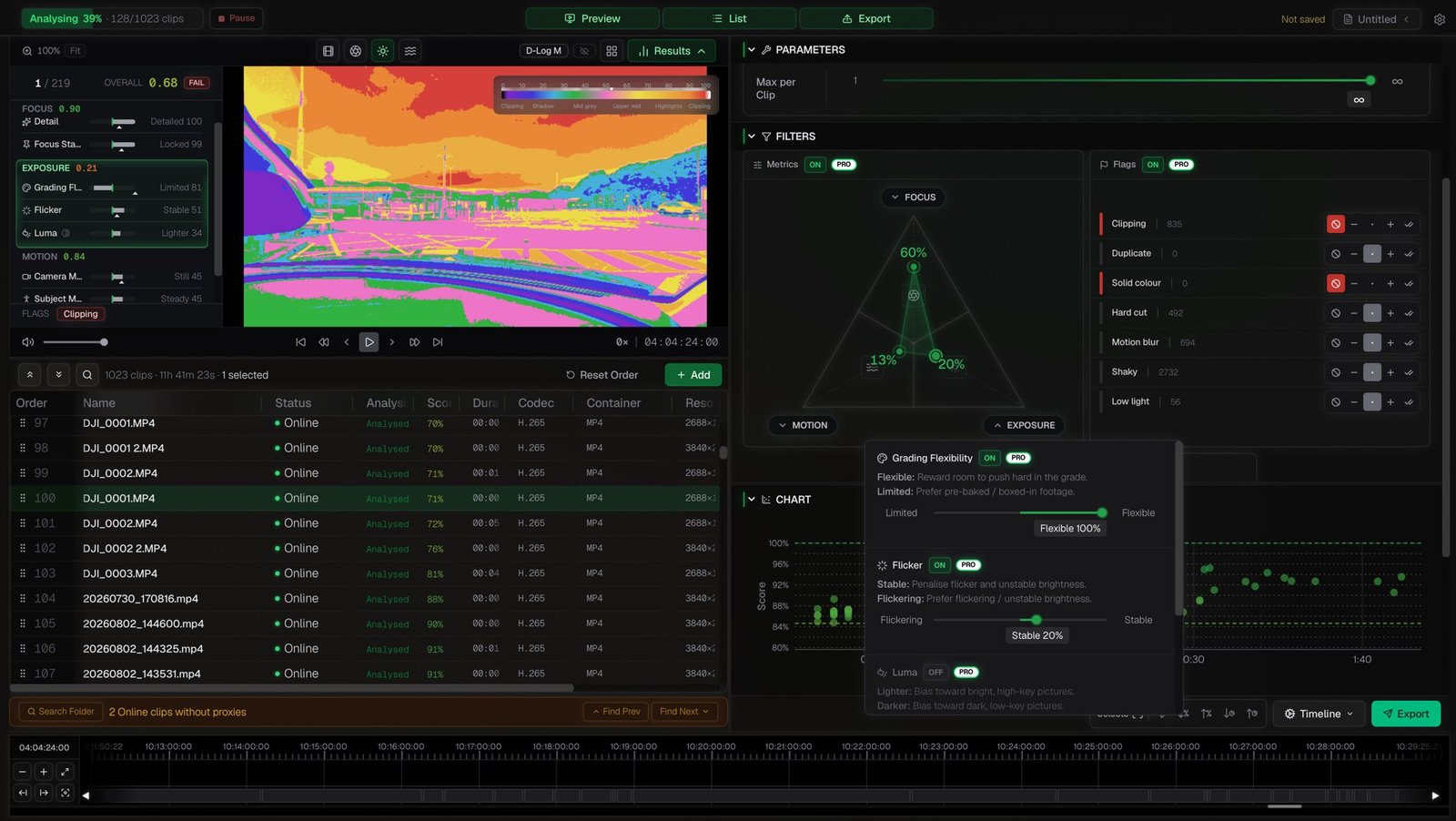
Do I still have to watch everything?
A new app called Cutdown sorts your rushes into selects before you open your edit. No AI, nothing uploaded, and the free version does the whole job. I ran nearly 12 hours of my own footage through it to see what it gets right, and what it can't.