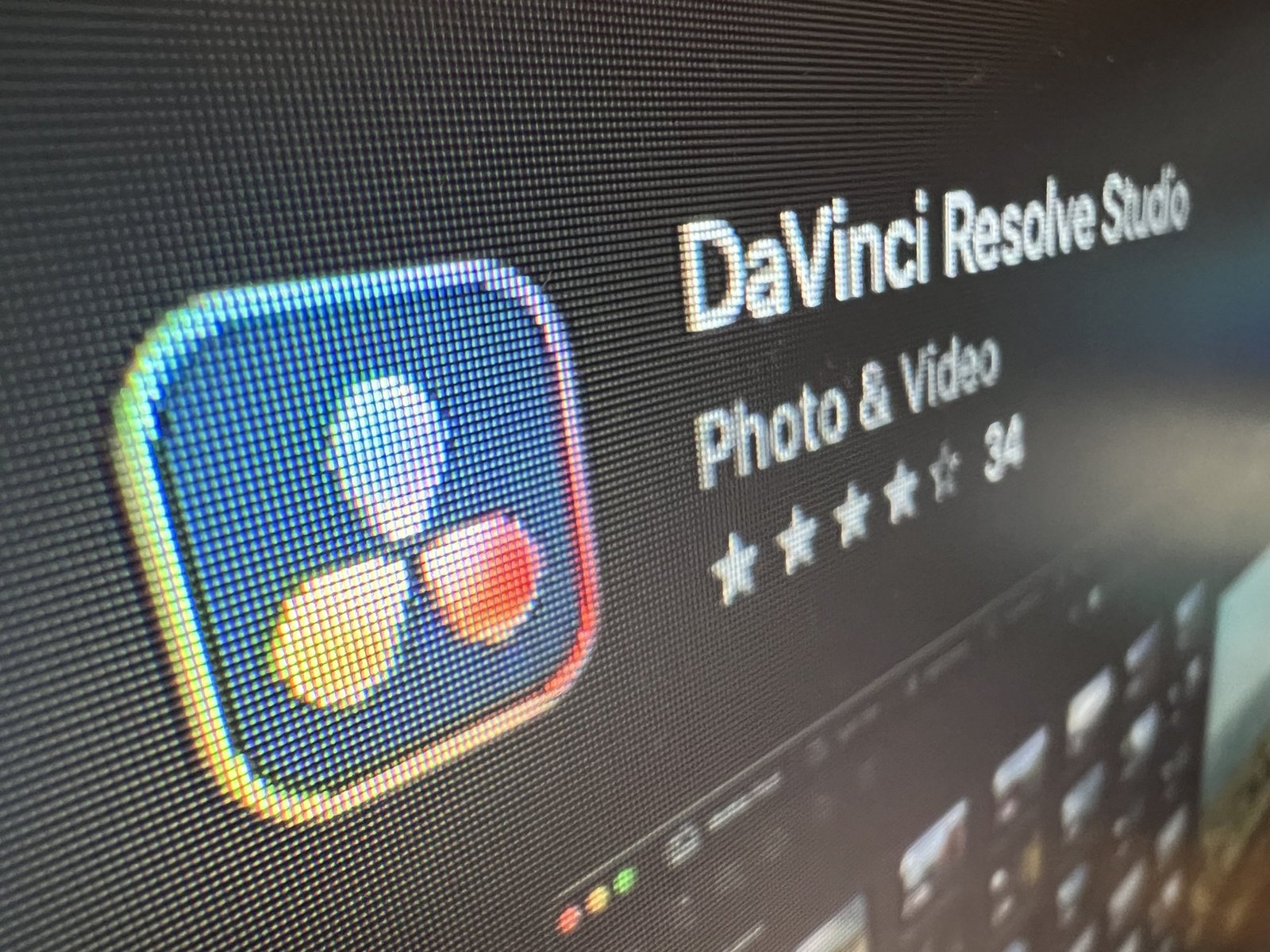
Do I have to buy DaVinci Resolve Studio twice?
That's the question I've been asking two of the biggest companies in my working life. Neither of them wants to answer it.
I bought Resolve Studio on the Mac App Store. It was quick and easy. It's the same name, the same icon, and it opens the same software I've used on broadcast jobs. I assumed I'd bought Resolve Studio.
I'd bought something close to it.
What the App Store version is
Apps on the App Store have to live inside Apple's rules. They run in a sealed box Apple calls a sandbox, and every update goes through Apple's review before it reaches you. That's good for security. It's less good for a professional edit and grade tool that wants to talk to hardware, plugins and other software.
So the App Store version of Resolve Studio comes with some quiet differences. None of them are on the box.
What I found
There's no serial number
The licence lives in your Apple ID. That's fine until you want to do anything Blackmagic does with a licence key: activate it on a Windows or Linux machine, move it between computers yourself, or install a beta.
No betas
This is the one that got me. When Blackmagic announces a new version, the public beta goes up on their website and the reviews start rolling in. I read them, I see a feature I need, and I want to try it on a real job. Beta installers need a Studio activation key. I don't have one.
Updates arrive late
Even finished releases reach the App Store after the direct download, because Apple has to approve them. Reviewers on the App Store page say the same thing: "you have to wait some days to get the newer versions."
Plugins and presets are harder to install
Because the app is sealed in its sandbox, it doesn't look in the usual places for plugins and presets. The folder it does use is buried and isn't revealed anywhere obvious. Some third-party plugins and control panels don't work at all. One App Store reviewer put it bluntly: "I cannot load my third party plugins."
Who do you ask?
I asked both of them for the one thing I wanted, a serial number. Apple said it was a Blackmagic question. Blackmagic said it was an Apple purchase.
They're both right, which is the problem. Apple sold me the app, so Blackmagic can't see the sale. Blackmagic makes the software, so Apple can't issue a Blackmagic key. I'm standing in the gap between them.
And as far as I can tell, there's no way to turn an App Store licence into an activation key. The only route to a key is to buy Resolve Studio again, from Blackmagic.
I'm not the only one. Read the reviews on the App Store page and the threads on Blackmagic's own forum. Plenty of editors have found the same gap.
Is there anything good about it?
One thing. Family Sharing. Because the licence lives in your Apple ID, it can be shared with the people in your Apple family group. If you've got a teenager learning to cut on another Mac, that's genuinely useful.
It's a thin advantage for a professional tool.
So, do I have to buy it twice?
If I want betas, a key, and every plugin and panel working, yes. That's the honest answer, and I wish someone had told me before I clicked buy.
So here's what I'd tell anyone starting out, even if your setup looks nothing like mine. If you're buying Resolve Studio, buy it from Blackmagic, or a Blackmagic reseller, and get the activation key. The key is yours.
The App Store version will cut your film. It just won't let you get ahead of the curve.
Read more: App Store reviews · Blackmagic forum: App Store serial numbers · Mixing Light on the App Store version
Keep going
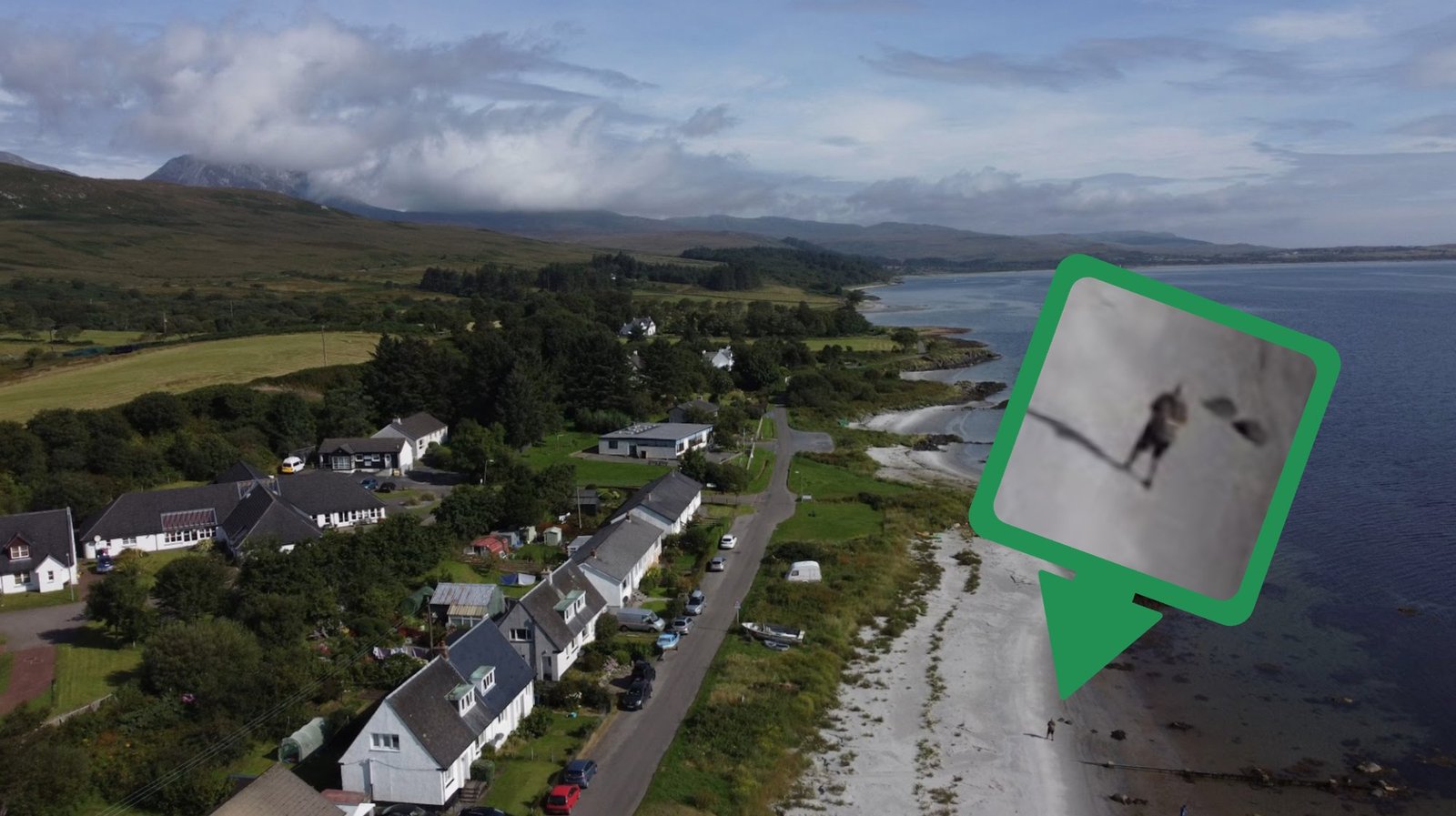
It started on a beach on Jura
Some ideas arrive at a desk. This one arrived on a Hebridean beach, with a camera in my hand and a clear diary. Here's what it turned into, and where it goes next.
Backrooms - It got me thinking!
A cinema in 2026, a camcorder in Miami in 1990, and a film that never once explains itself.